⚡️ If you wish to use Clever-tools binary check out Continuous Deployment on CleverCloud with Clever-tools, Gitlab-CI ⚡️
Recent events aside, Gitlab and Gitlab-CI is a great integrated forge for software development. I recently decided to migrate Image-Charts on it as well as the soon-to-be-announced-new-SaaS from the old Bitbucket, Jenkins workflow used at Redsmin and Bringr.
As a side note, JenkinsFile never grew up on me, I never liked it, it's too verbose and I definitely prefer the configuration approach (limited feature-set) over the code (unlimited but can quickly get messy) approach.
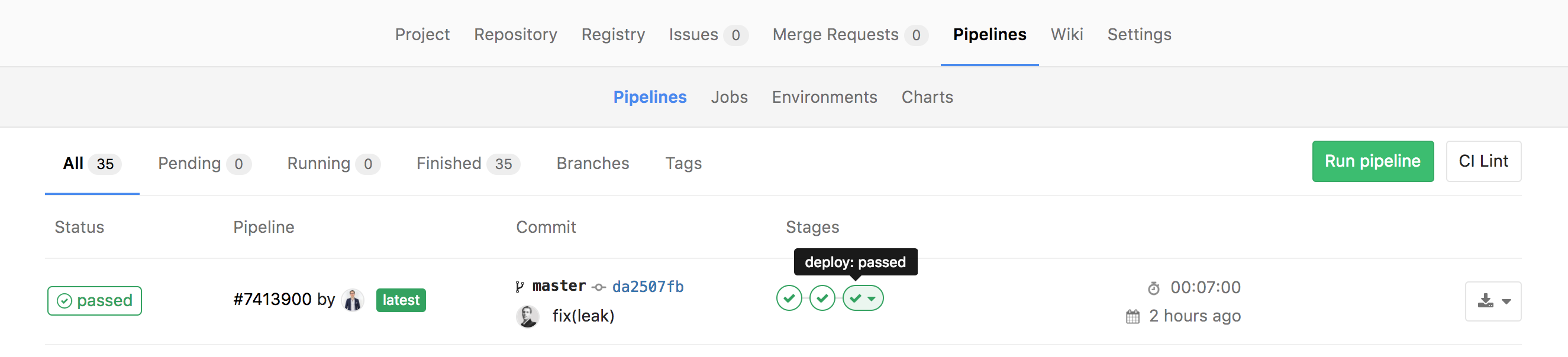
I first tried to setup a private deploy SSH key as an environment variable and then inject it using GIT_SSH_COMMAND and then hack the known_hosts file to fix the sadly well-known Host key verification failed issue aaaand don't forget to chmod 400! Phew, that's a lot of work for something that should be easy to do. Thankfully there is a simpler way!
You will first need to install clever-tools locally (if you did not already). We could do the following steps without it but doing the oAuth dance through the API is not as easy as using Clever CLI.
npm i clever-tools -g
Then login:
clever login
And now the good part:
cat ~/.cleverrc
{"token":"7ea753c8cb23000000000000000","secret":"02000000700000000047000200"} // copy token and secret value
Open the Gitlab-CI project CI/CD settings, add CLEVER_TOKEN and CLEVER_SECRET environment variables with the values you just copied.
Finally edit your project .gitlab-ci.yml like so:
deploy:clevercloud:
  image: node:6-wheezy
  stage: deploy
  only:
    - /master/
  script:
    - git remote add clever https://$CLEVER_TOKEN:$CLEVER_SECRET@push-par-clevercloud-customers.services.clever-cloud.com/app_YOUR_APPLICATION_ID.git
    - git push --verbose --force clever master 2>&1 | grep -e 'remote:' -e '->'
Let's take it step by step:
deploy:clevercloud: the job name, could be deploy or whatever you wantimage: node:6-wheezy: I used this docker image on the previous steps because the app is in NodeJS you can use any docker image you want as long as it has git installedstage: deploy: gitlab-ci pipeline stage.only: - /master/: restrict this job to the master branch.git remote add clever ...: we first need to add CleverCloud remote git repository to the build local git repository.... https://$CLEVER_TOKEN:$CLEVER_SECRET@push-par-clevercloud-customers.services.clever-cloud.com/...: this is where the magic happens, instead of using git+ssh we are using https transport, the authentication is through basic auth token:secret and thus we don't need to setup a private ssh key.... clevercloud-customers.services.clever-cloud.com/app_YOUR_APPLICATION_ID.git ...: don't forget to set your APPLICATION_ID.... git push --force clever master ... I always use --force in CD pipelines, I don't want anyone else to bypass the CD pipeline. It's often a source of longer outage when tests are bypassed to fix directly the production environment.... 2>&1 | grep -e 'remote:' -e '->' ... this part is very important, without it token:secret will leak into job logs and even emails in case of job failure.
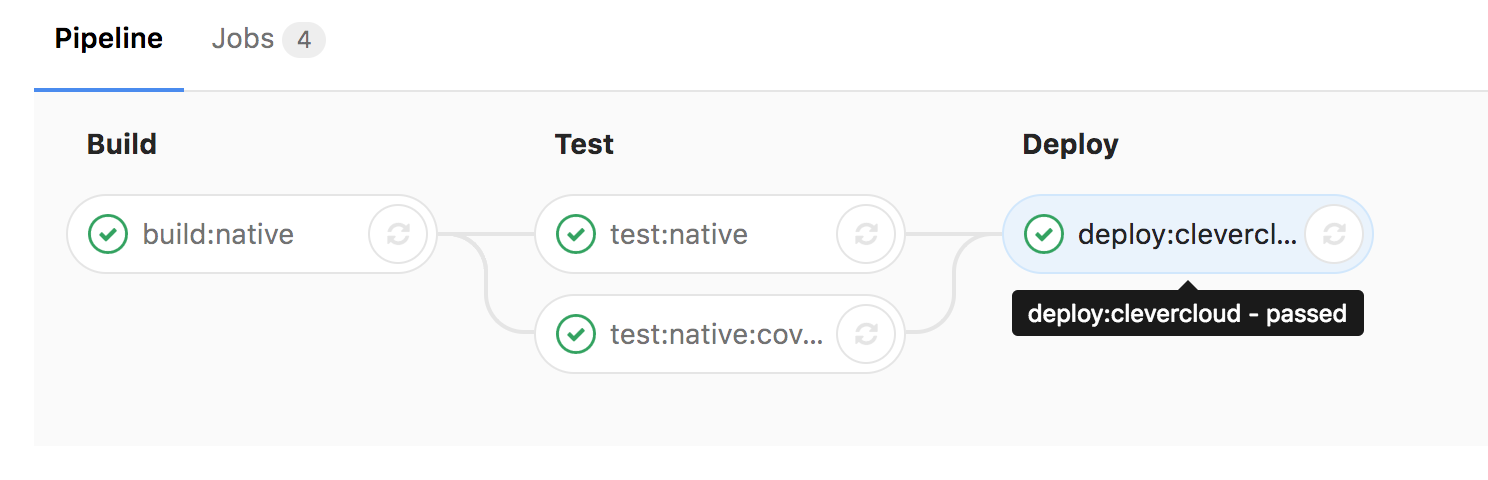
That's it! It only took 2 lines in a Gitlab-CI job to automatically deploy your project on CleverCloud.
Deploying to CleverCloud is only one side of the story, I hope to share later the Gitlab-CI pipeline I use to deploy the soon-to-be-announced-new-SaaS with Kubernetes on Google Container Engine.

